

Computer Aided Design, or CAD for short, is an online program used to create real-world objects based on one’s own imagination. Anything can be created in a virtual space, and with the help of a 3D printer, it can be brought to life (so to speak). CAD is used by many different professions, such as engineering, medical, architecture, and video game designers, but one doesn’t need to use it in a professional setting. Many people use CAD from their personal computers for their own enjoyment and personal interest. CAD is a practical, multi-disciplinary program that merges creativity with ease, resulting in something that you can hold in your own hands at the end of the process.
There are many different versions of CAD, but this class only uses FreeCAD. As you may have guessed, this version of CAD is free, but it still has many features and is easy to use. Additionally, many of the skills students are learning in FreeCAD are mostly transferable to other CAD programs. Even if students end up using a different version of CAD, they’ll already have a leg up in figuring out the software.
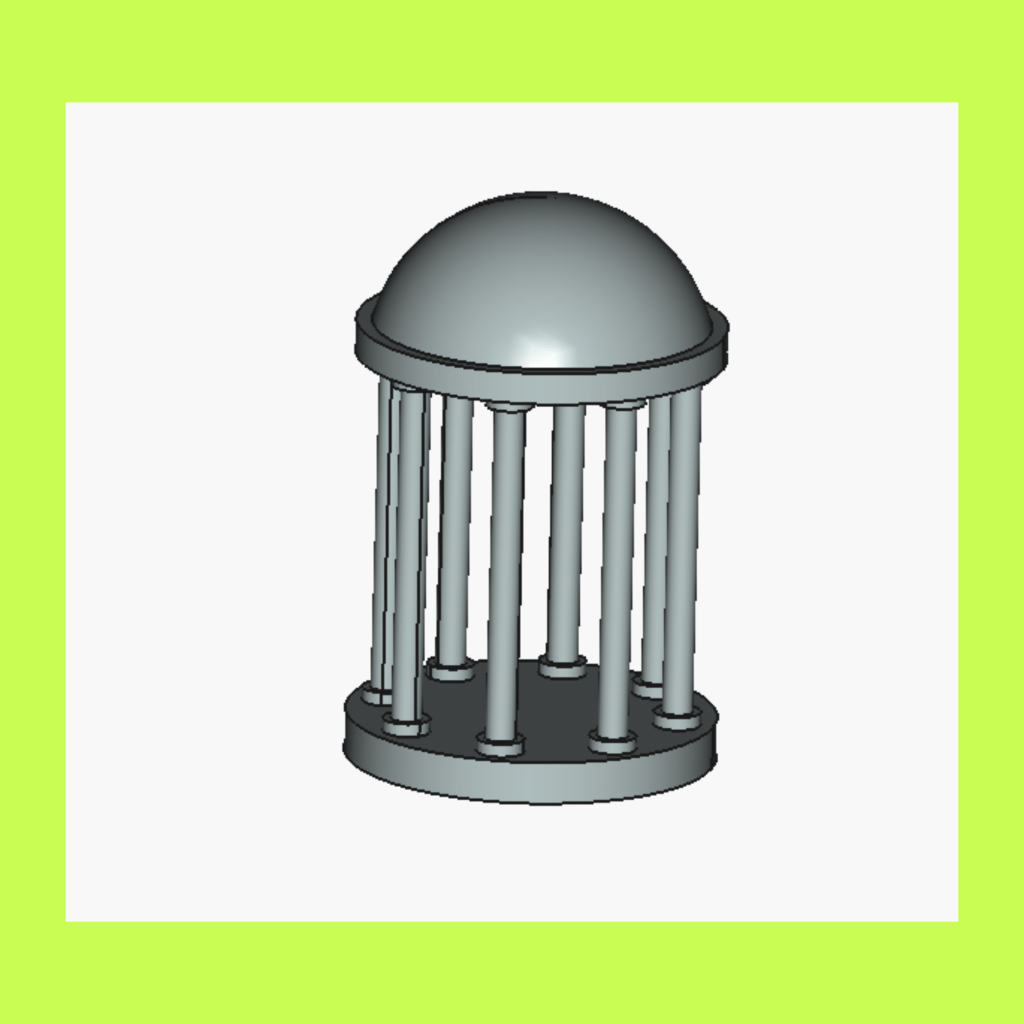
Brian Kardon, a neuroscience lab technician at Cornell University, teaches this class. He first discovered CAD in high school and has continued to use it for various projects since then. He often designs and builds experimental equipment.
“Something about the combination of precision and creativity of CAD is really very engaging for me, and taking a physical object out of the printer that I designed in a virtual space still feels really exciting.” – Brian K.
In his class, he is teaching students to use FreeCAD and how that can work with 3D printing, a popular manufacturing tool. Not only do students learn a cool program and its applications, but their basic computer skills are also being sharpened. Students are learning to navigate a file system, common UI motifs, keyboard shortcuts, organizing/switching windows, and so much more. Students’ technological literacy is skyrocketing!
“It [referring to the class structure] is open-ended enough to explore the software independently while still having plenty of guidance and support.” – Orion M.
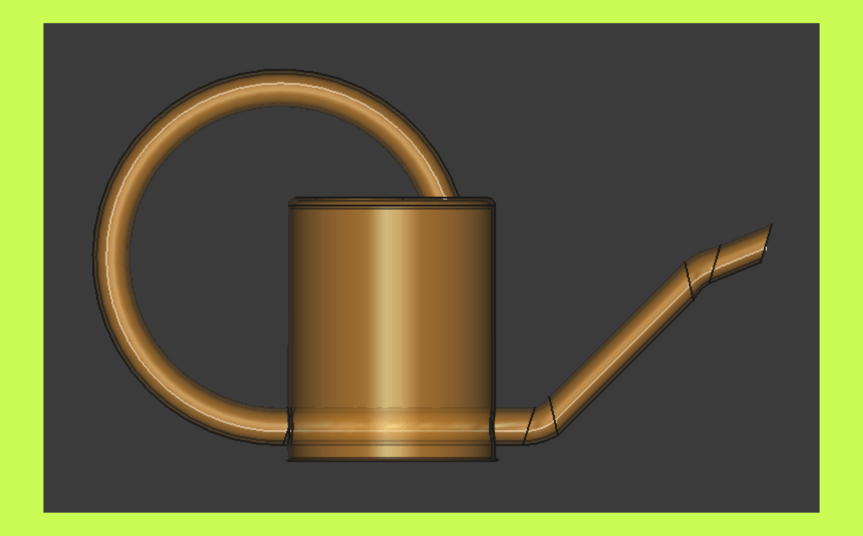
Each class, Brian demonstrates how to use a new tool or process, then works with students to create a model together. Students are then tasked with creating another model using the tool they just learned, as Brian offers help as needed. The rest of the class is devoted to their personal projects.
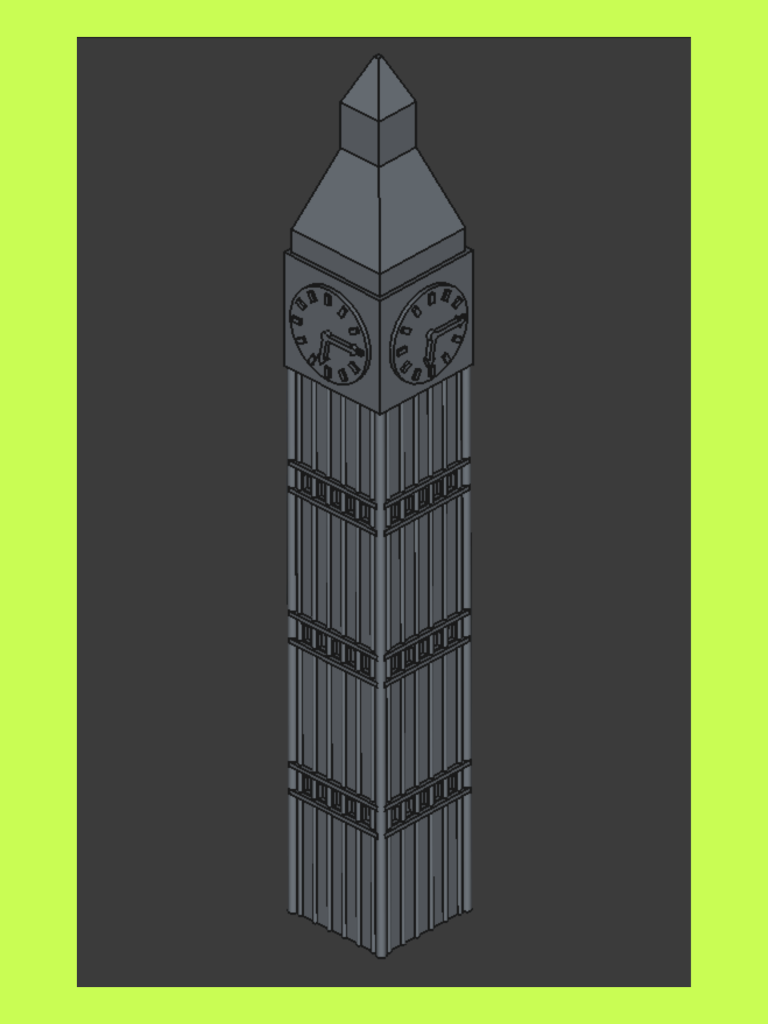
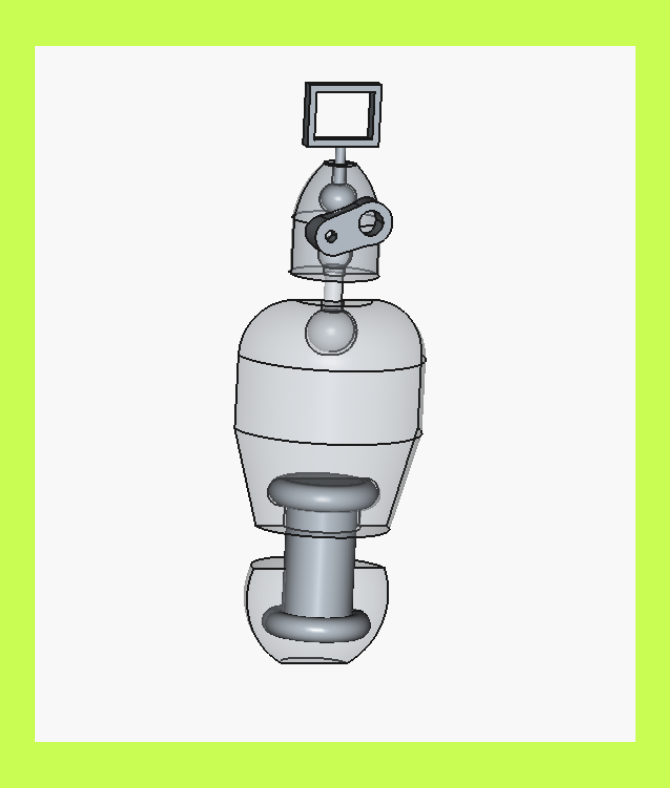
Throughout this course, students are challenged to create their own personal project, which will ultimately be 3D printed at the Tompkins County Public Library makerspace in December. They will do this again at the end of the school year for their second personal project. This is an open-ended project with the only limitation of one’s own imagination. Some students are designing headphone stands, model guitars, or landmark buildings like the image to the left. Overall, Brian hopes students fall in love with the process of designing and printing something that came from their own minds.
“I think the CAD is nice and I’ll likely use the stuff I learned once the class is over to make more fun things.” – Ronia D.
 TEEN DAY Ithaca